









Betates S2P - 2D & 3D Floor Plan Scanner App
Betates S2P is our brand-new floor plan scanner app for iPhone & iPad that turns a quick walkthrough into a clean floor plan you can share and present in minutes. If you’ve tried apps like Polycam, you’ll feel right at home, but Betates S2P is built to deliver similar “scan → plan” results at a fraction of the cost. We’re able to do that by optimizing our process and workflow end-to-end, so you get speed and quality without the premium price tag.
Scan → Floor Plan
Smart Room Capture
Share & Export
Our PortfolioOur Portfolio
Highlighted Floor Plan Scans
Floor plan scanner app portfolio showcasing real scans turned into clean, accurate floor plans for real estate, architects, and contractors. Explore recent iPhone/iPad LiDAR projects with fast exports for listings, remodels, and site surveys.
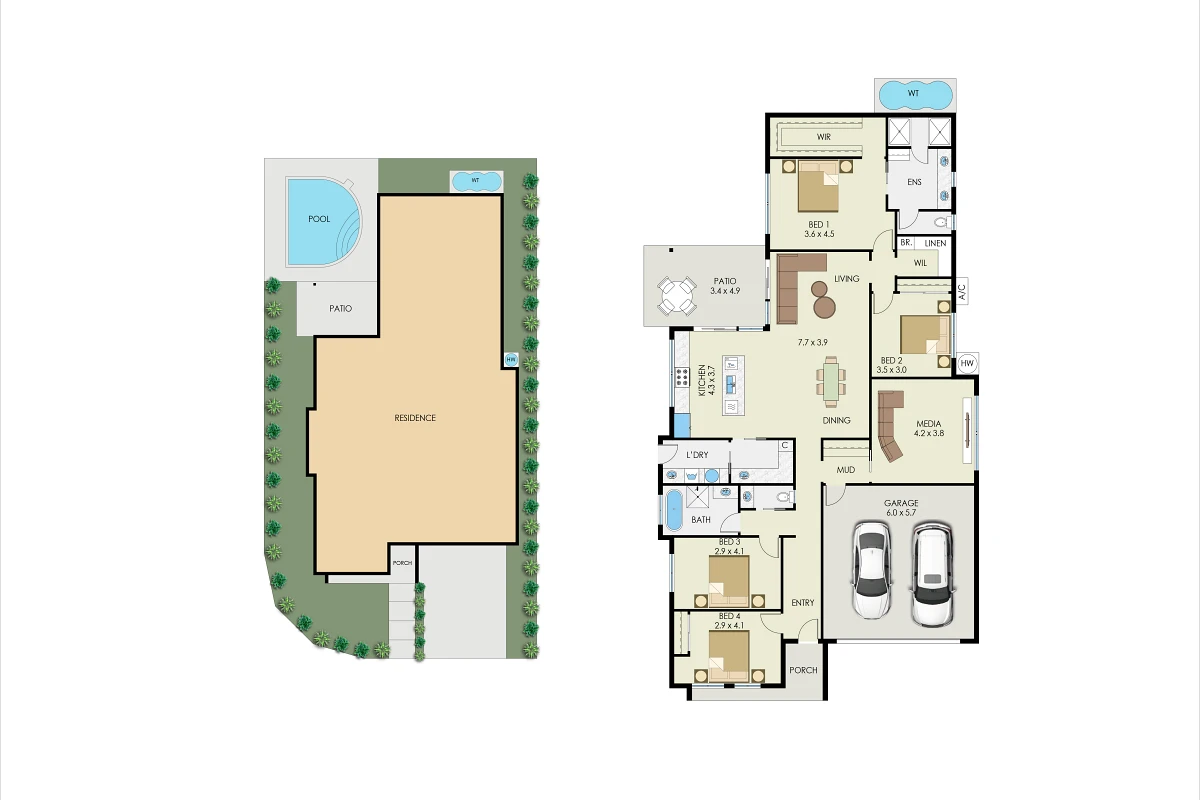
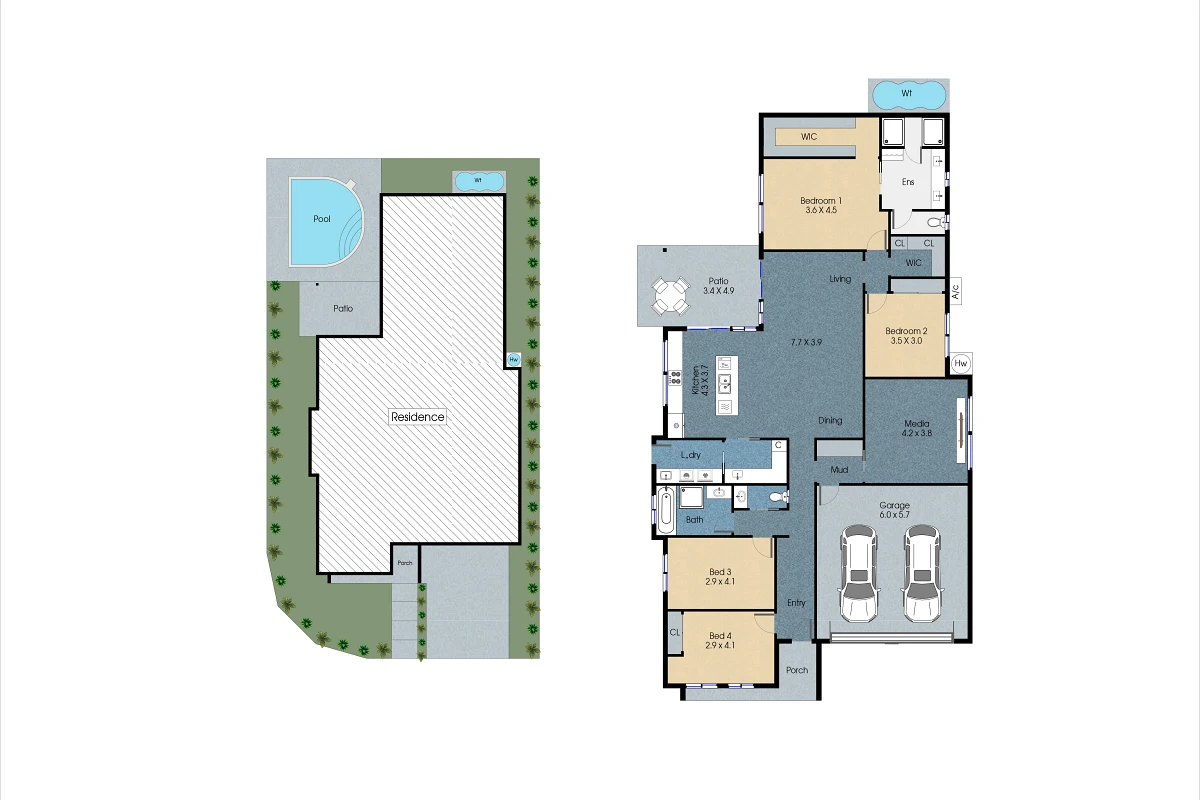
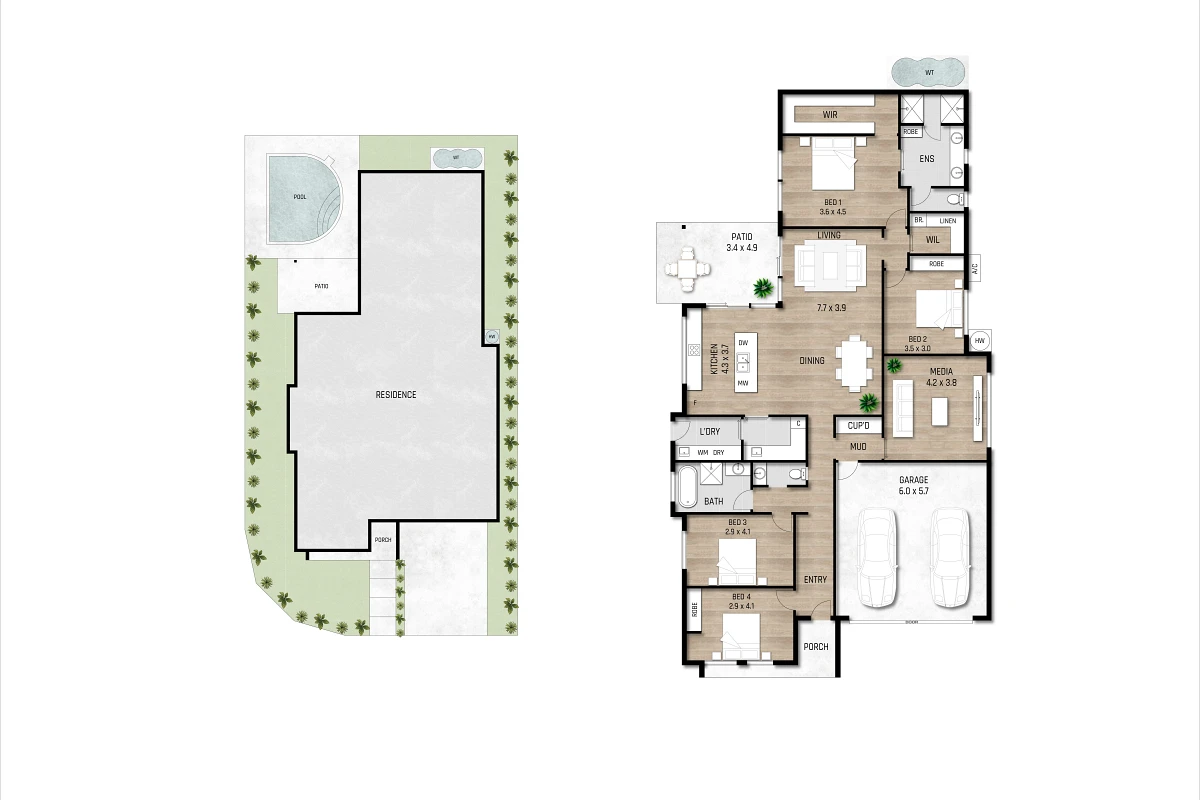
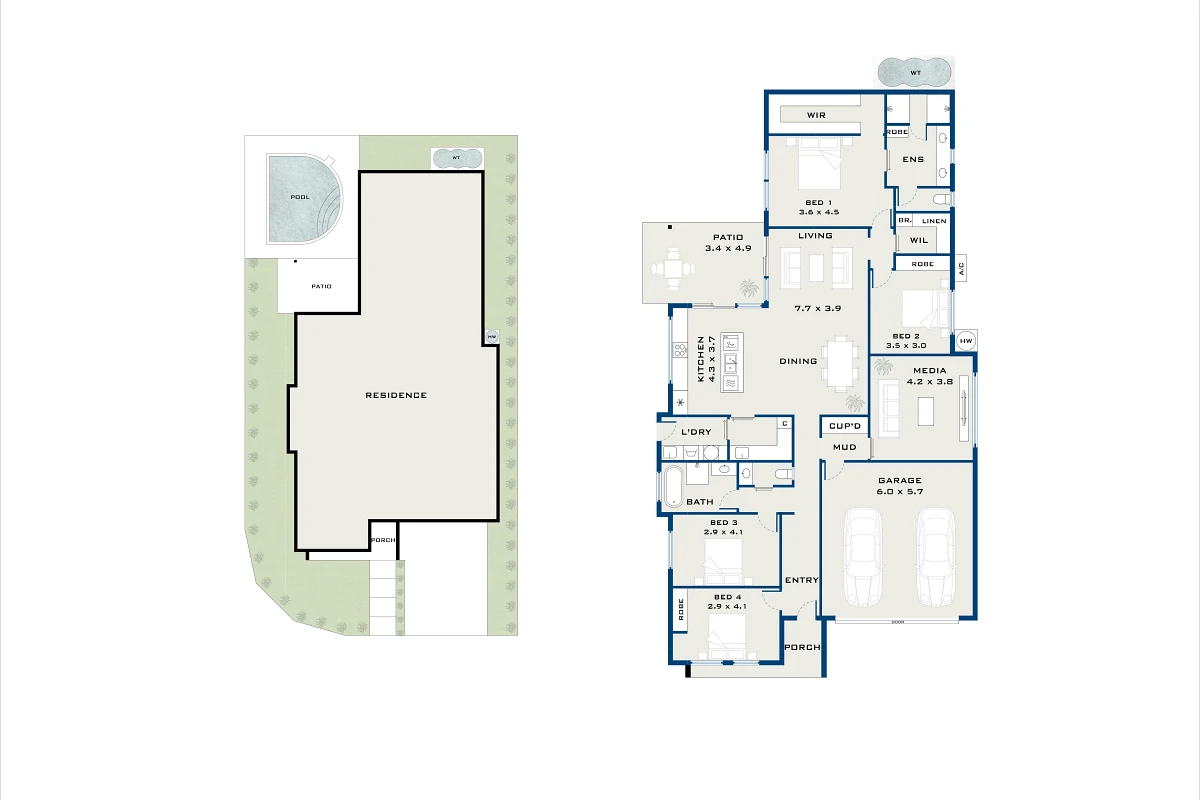
Our ProcessOur Process
From Scan to Shareable Floor Plan
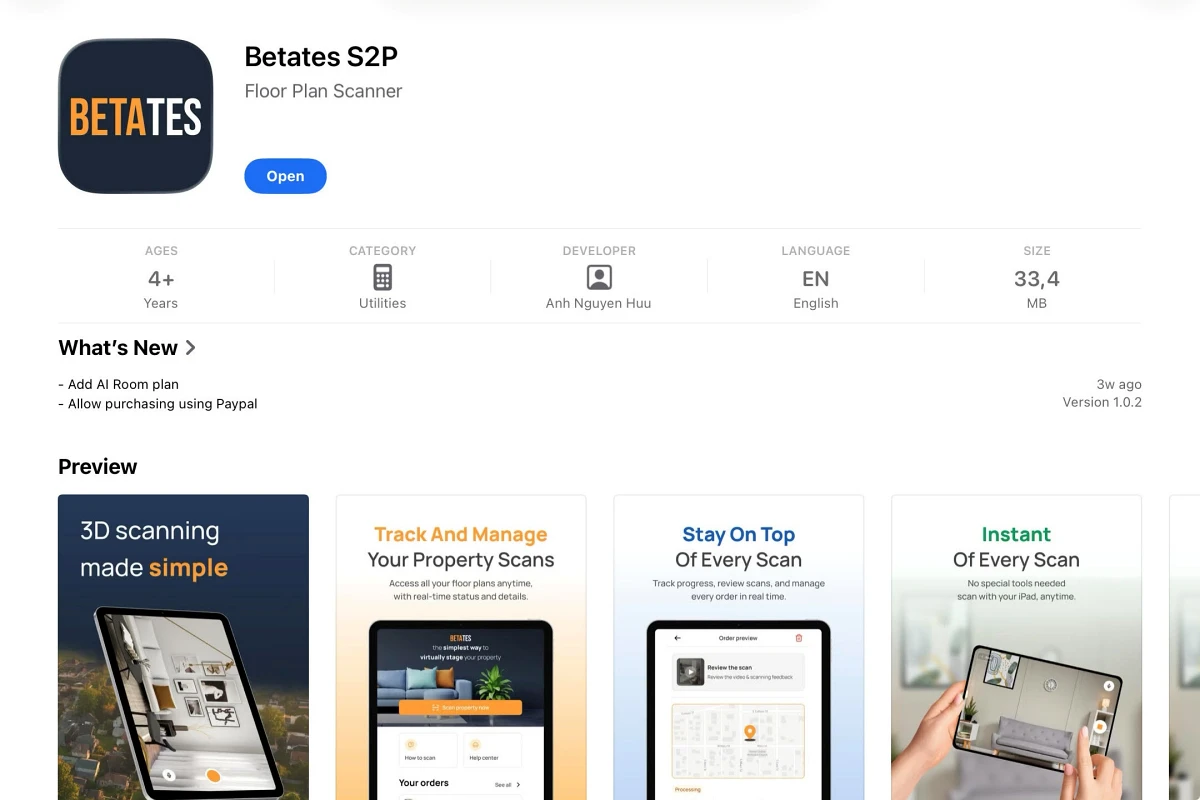
01. Download the App
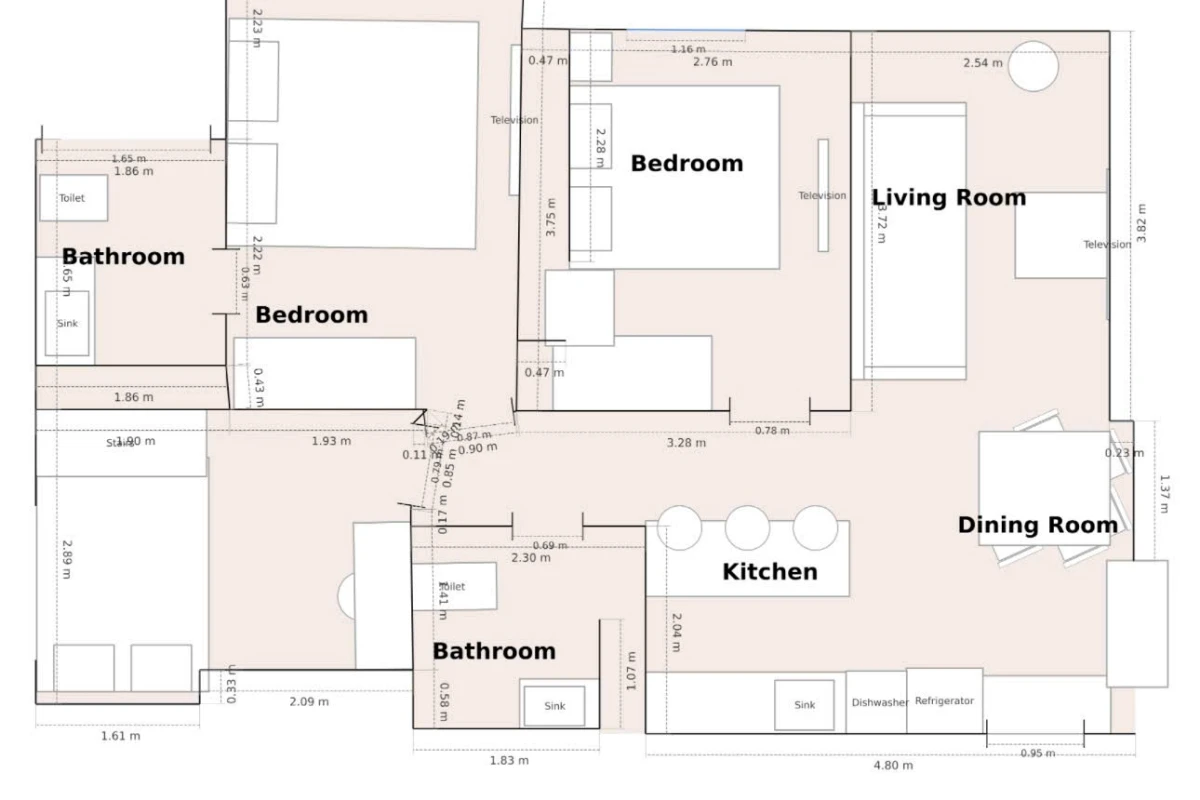
02. Scan & Upload
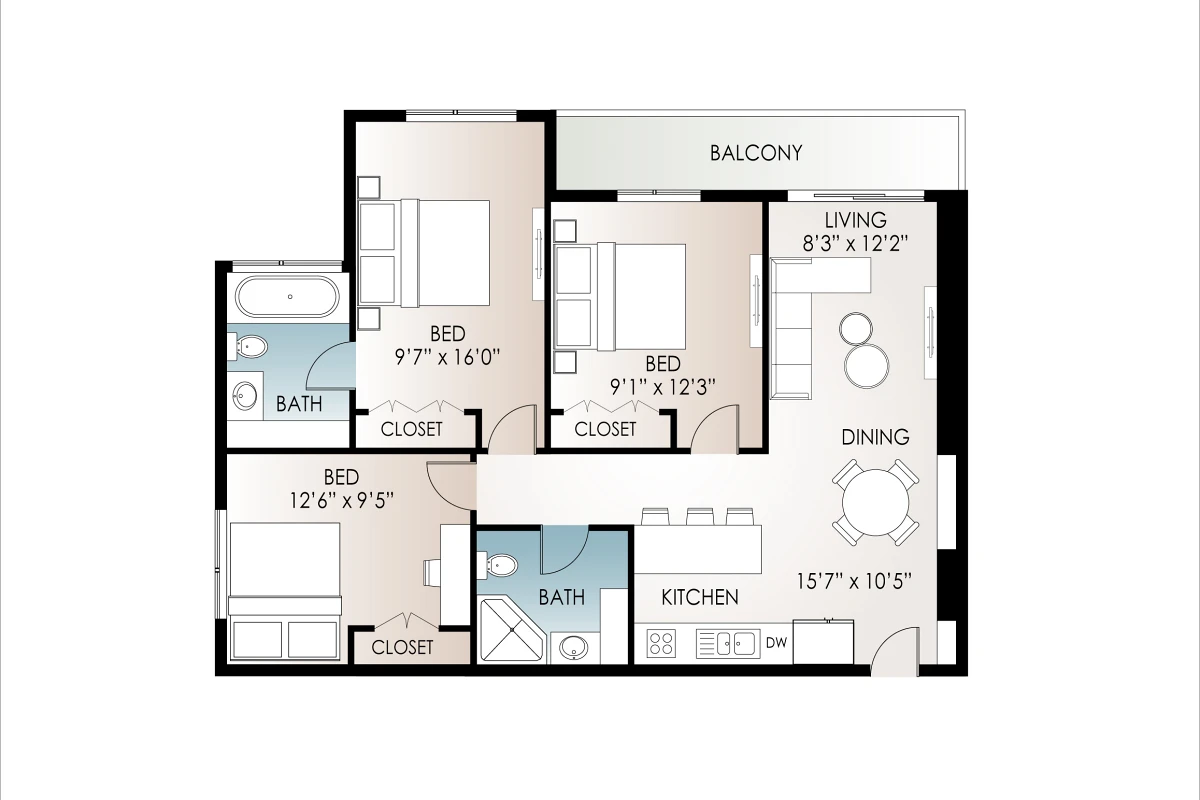
03. Receive 2D Floor Plan
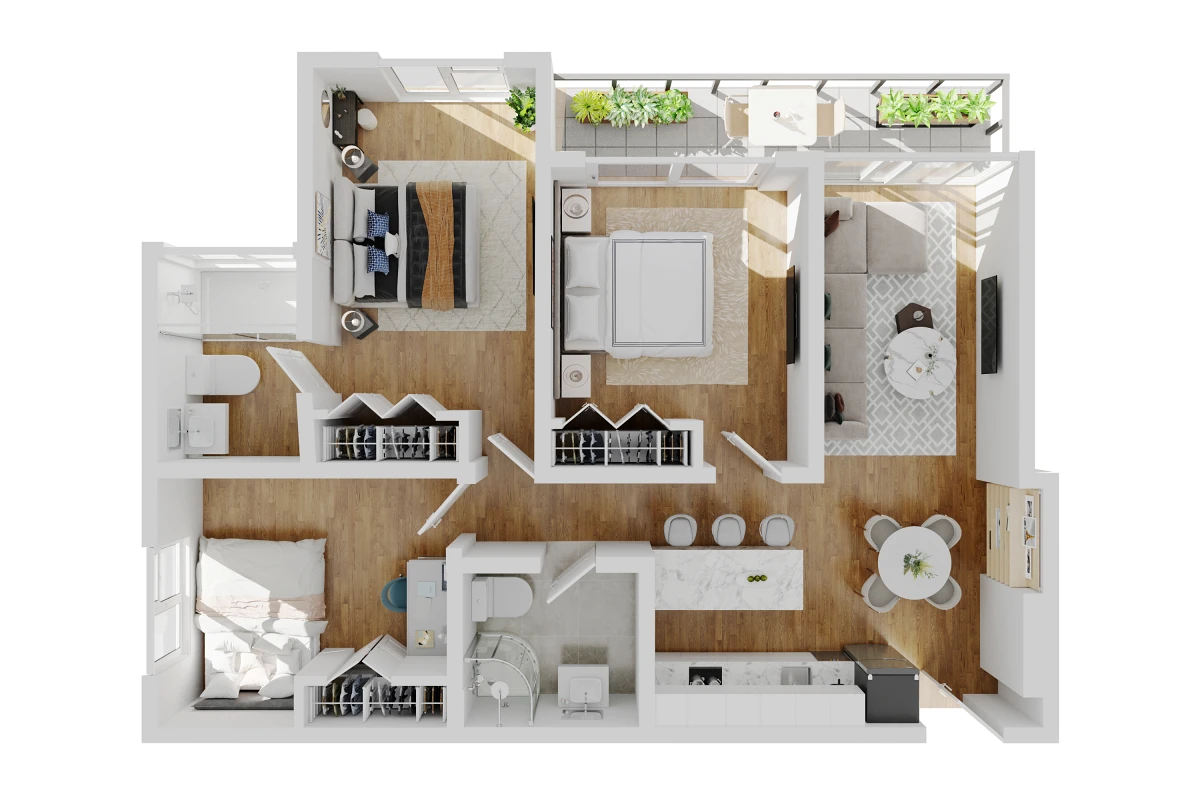
04. Receive 3D Floor Plan
Ease-Of-UseEase-Of-Use
Instant Capture & Deliverables
Betates S2P works on iPhone and iPad, and performs best on supported LiDAR devices for faster capture and better accuracy. To get the best results:
- Light it up: Use bright, even lighting so walls, corners, and openings are captured cleanly.
- Walk it smooth: Move at a steady pace with slow turns, keeping the phone level for consistent tracking.
- Cover every edge: Do a full loop of each room and pause briefly at doorways to ensure clean connections between spaces.
Our FeaturesOur Features
More Than Just A Scanner App
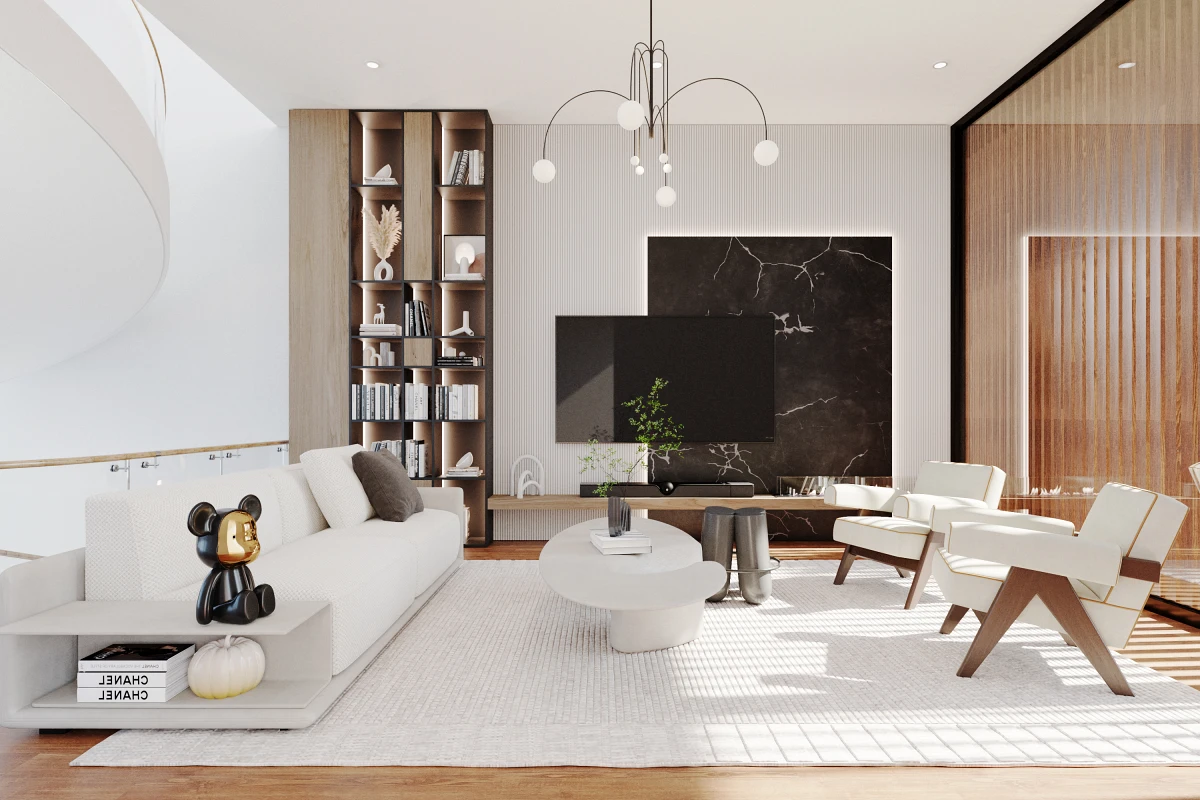
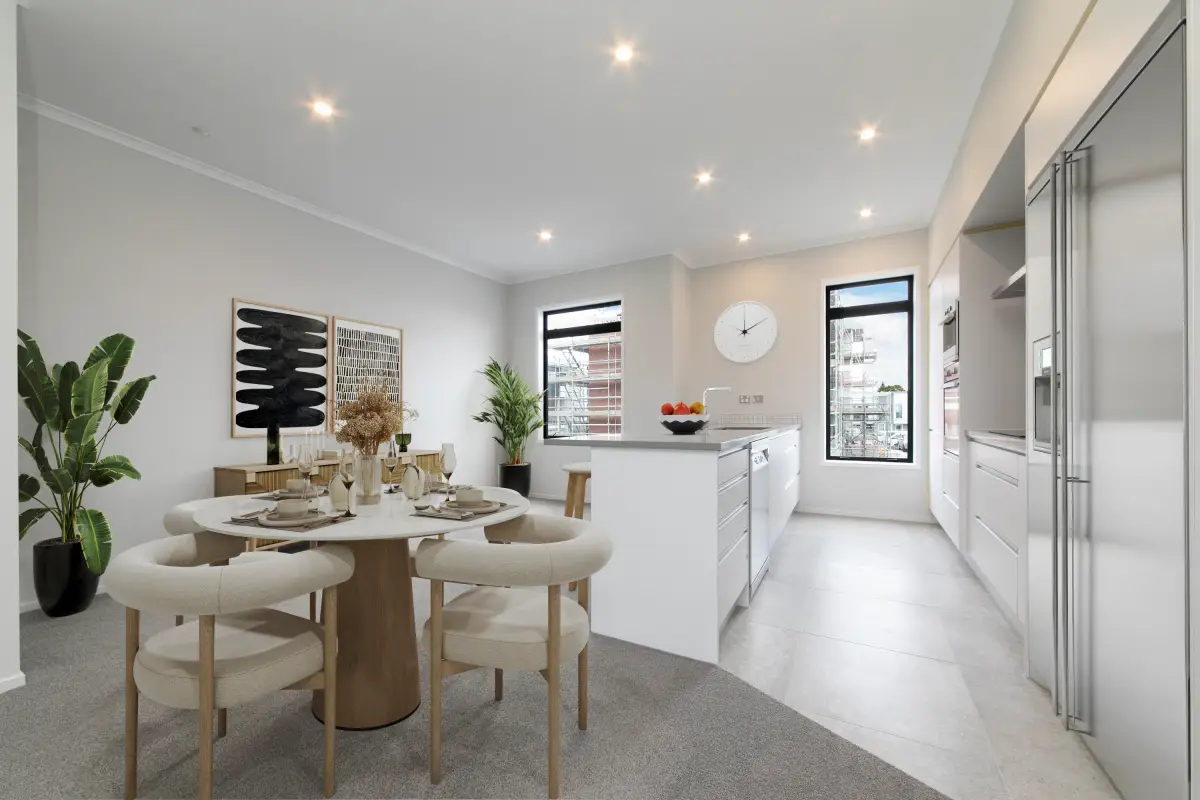
From luxury residences to offices and retail, our interior visualization services transform concepts into photoreal visuals that drive pre-sales, attract investment, and earn client trust, well before construction begins.

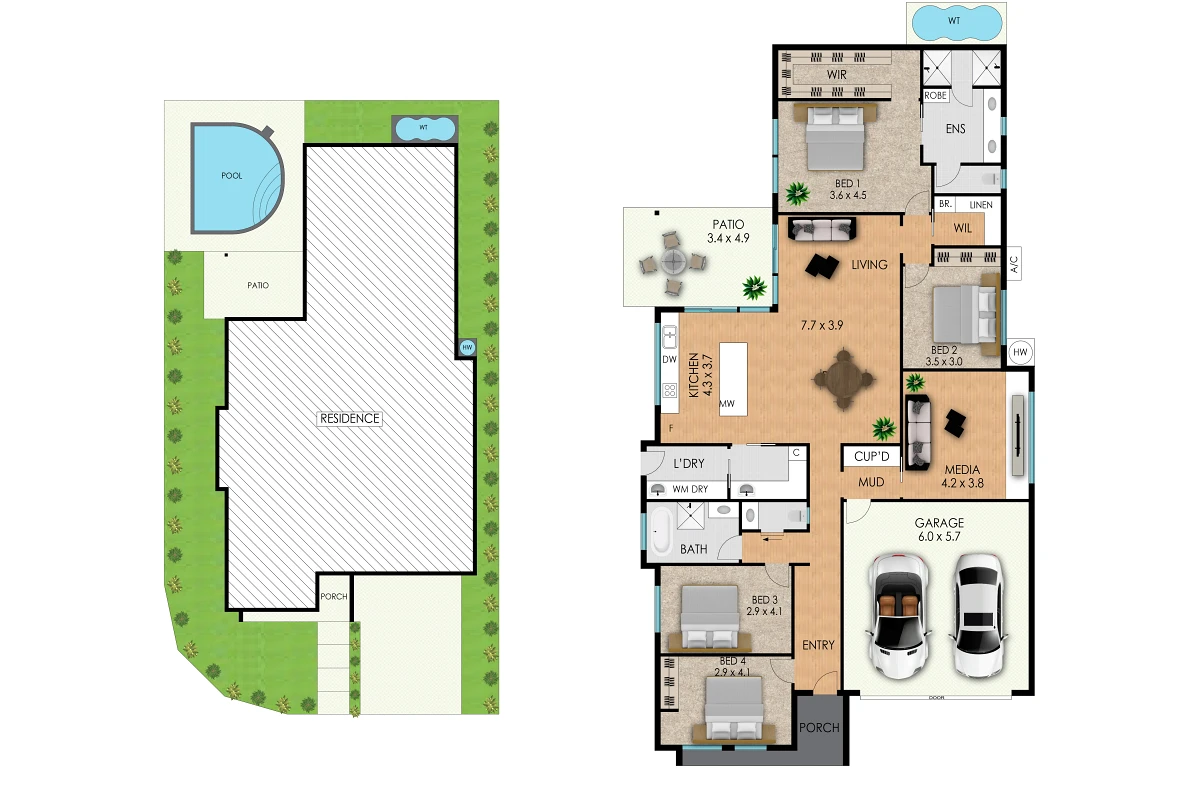
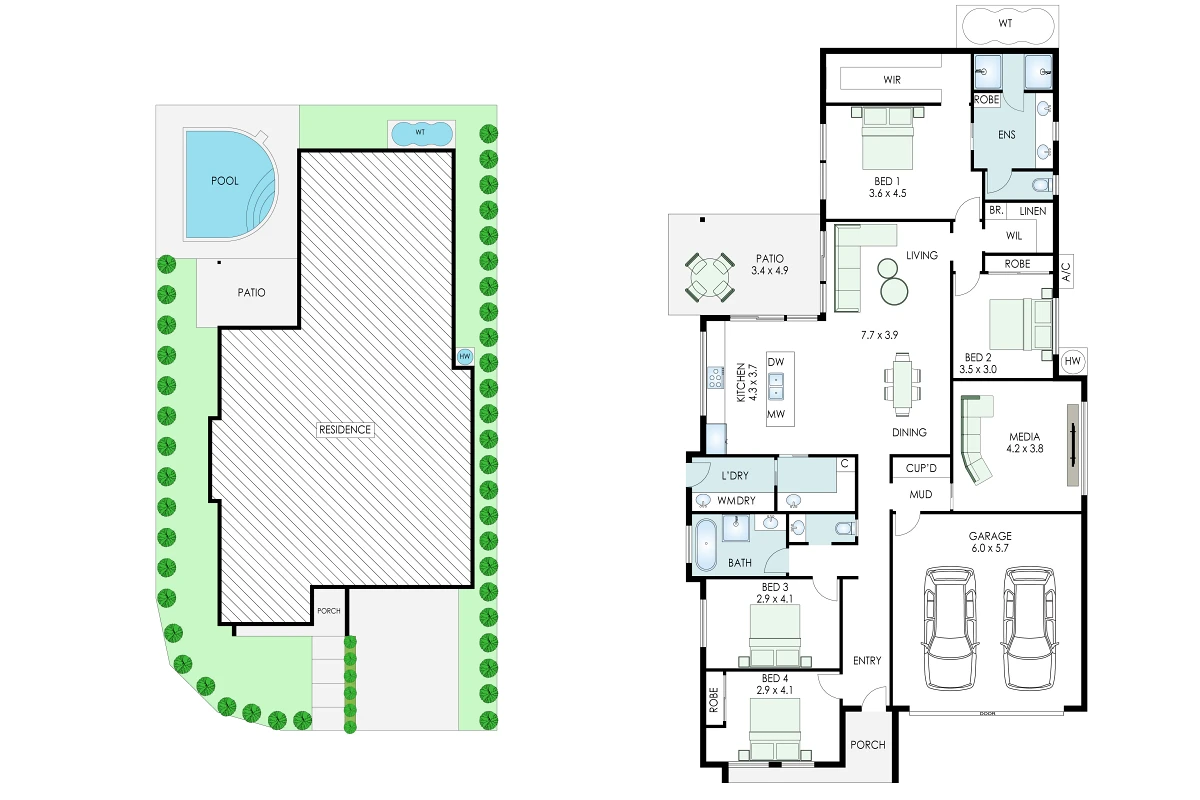
2D Floor Plan
- Standard 2D floor plan
- Standard 2D floor plan with site plan
- Colorful 2D floor plan
- Colorful 2D floor plan with site plan

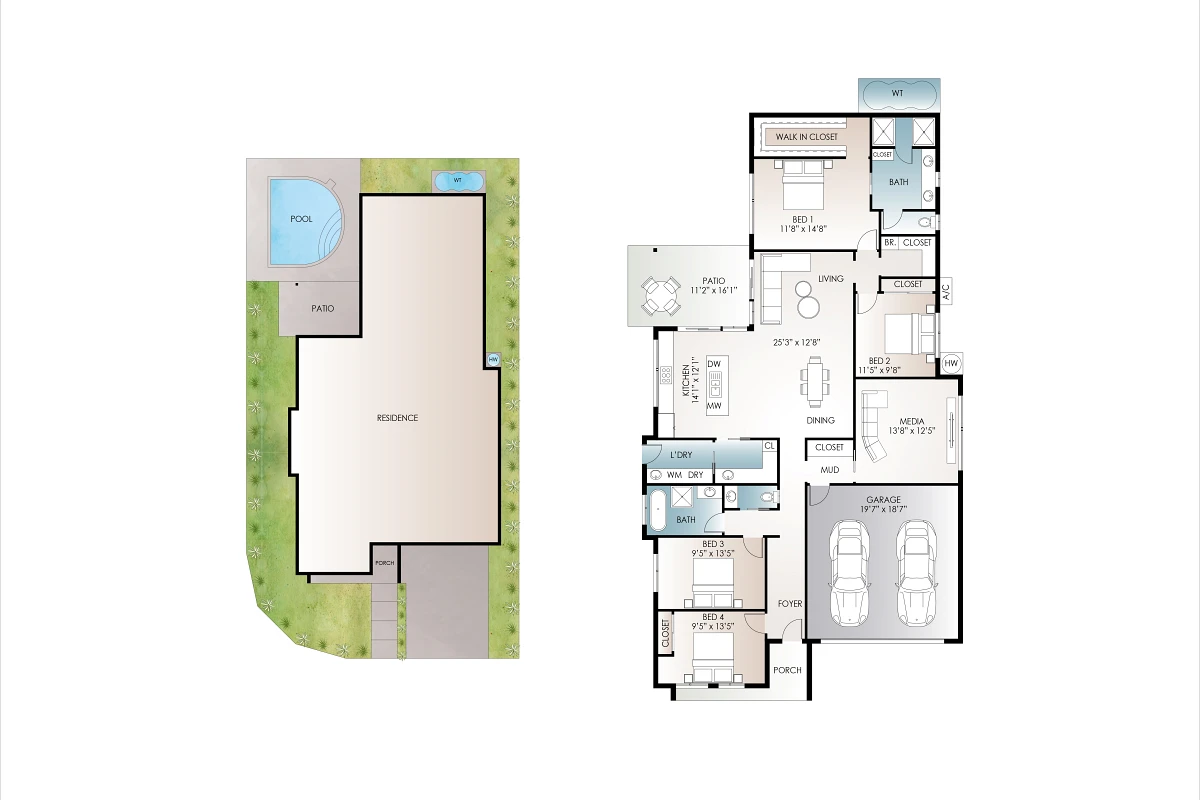
3D Floor Plan
- Fixed Furniture
- Stylish & Simple Design - Custom Branding
- Total sq. ft
- 6h or 24h Turnaround
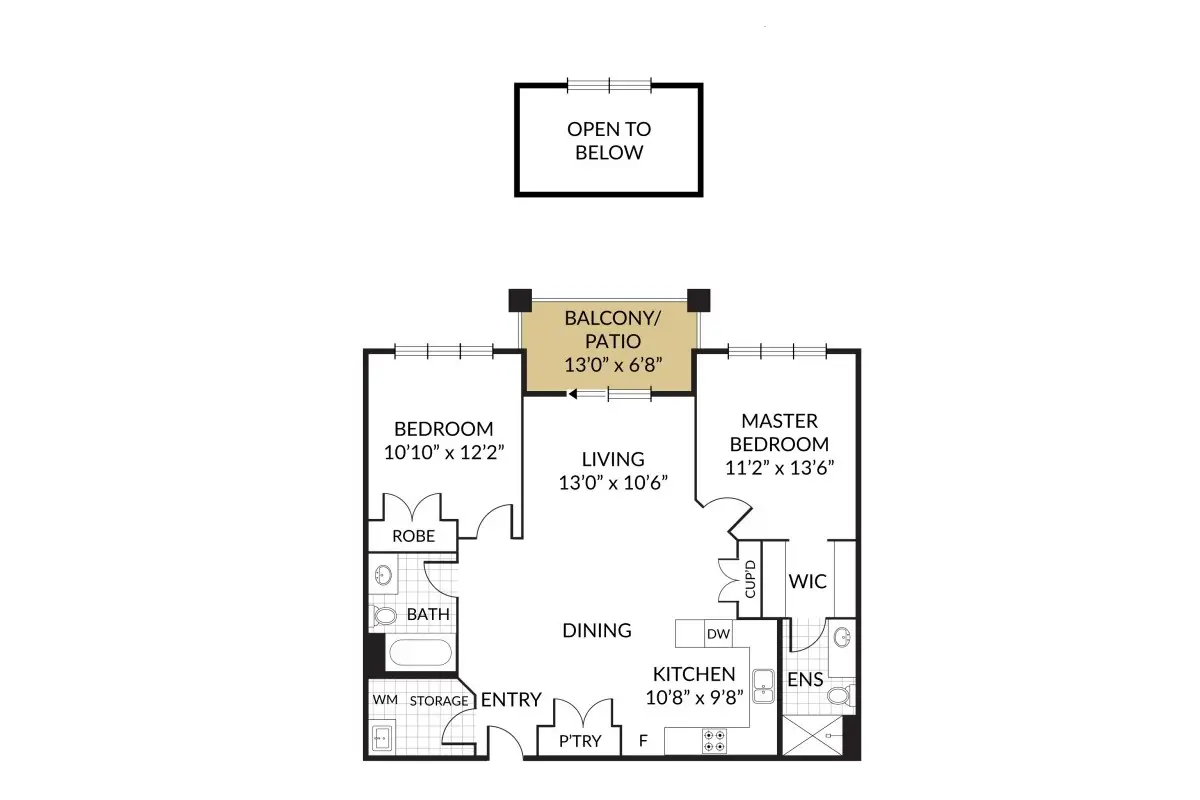
CAD Files
- From 2D or 3D floor plan
- Outputs: 2D DWG, 3D DWG, DAE, FBX and OBJ files
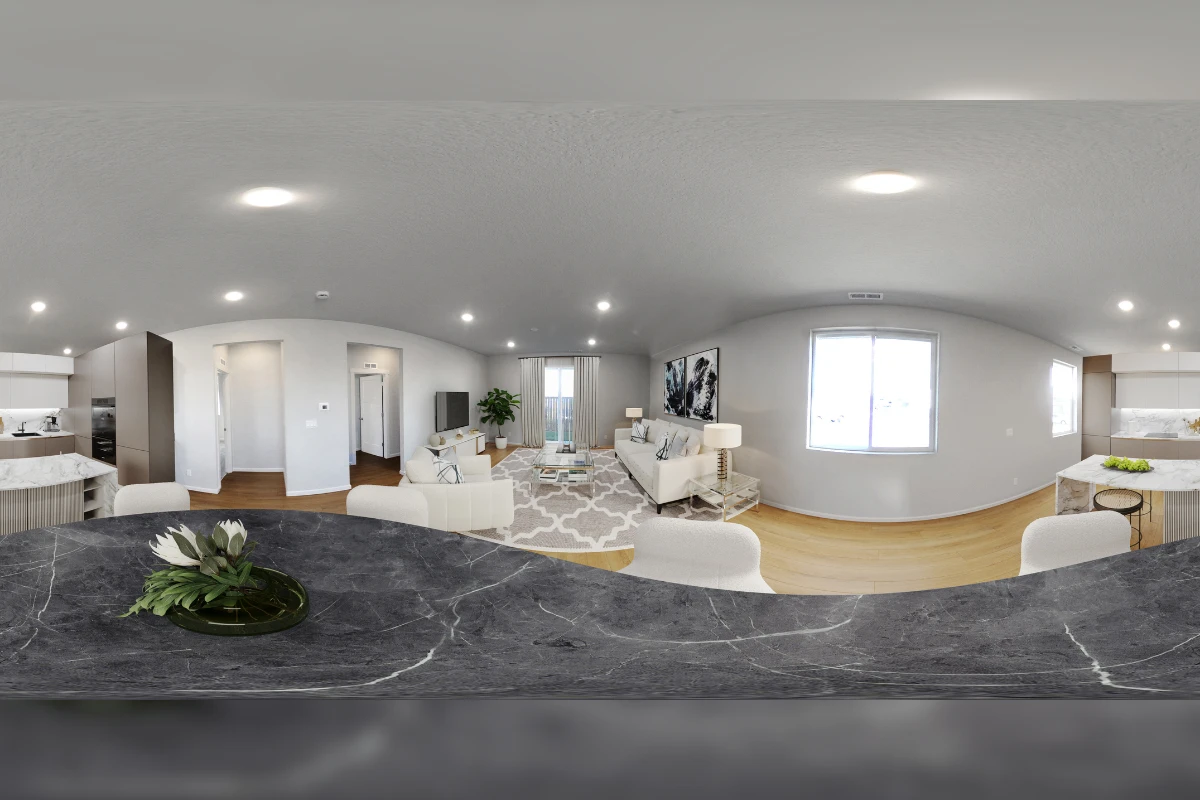
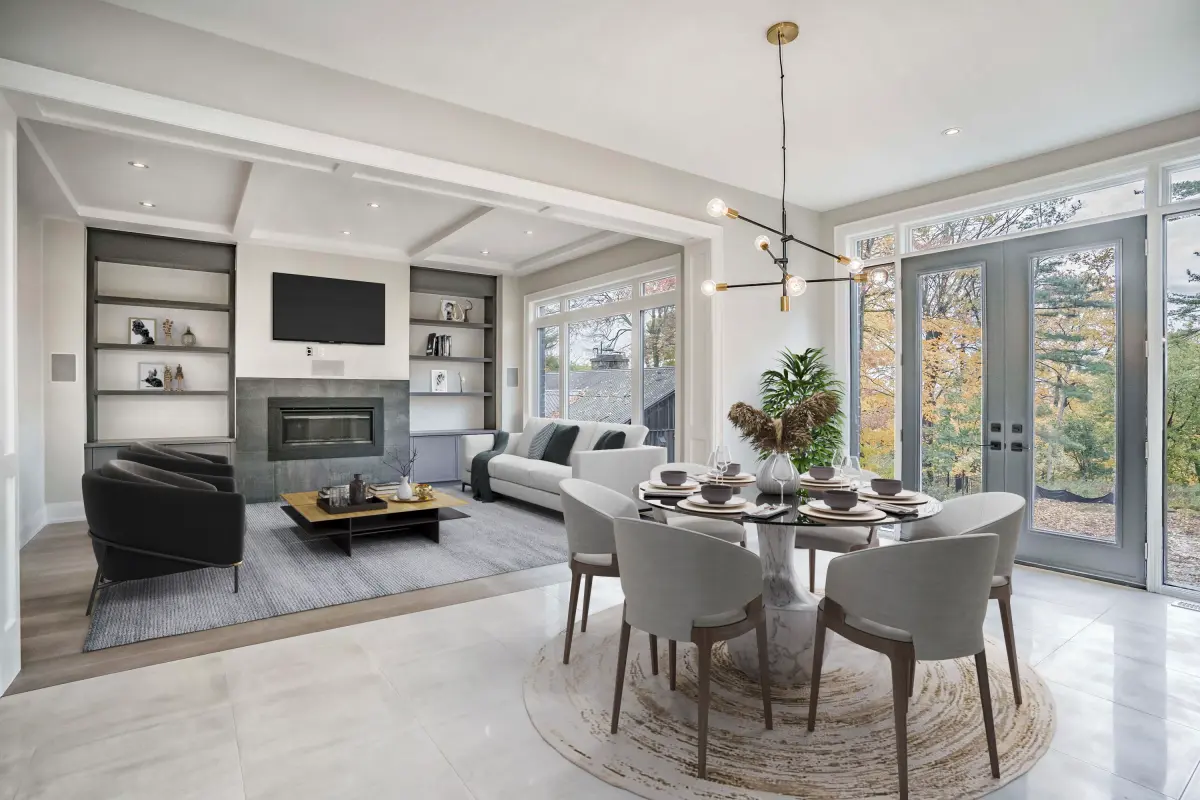
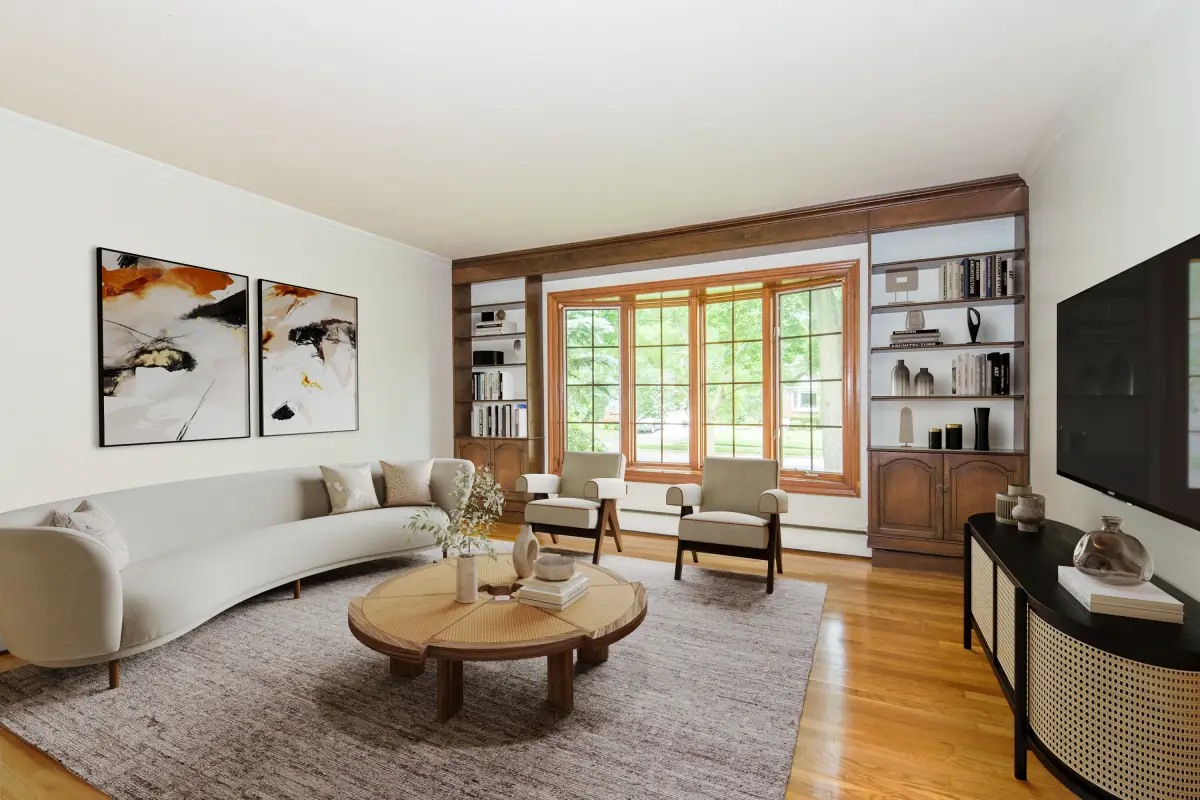
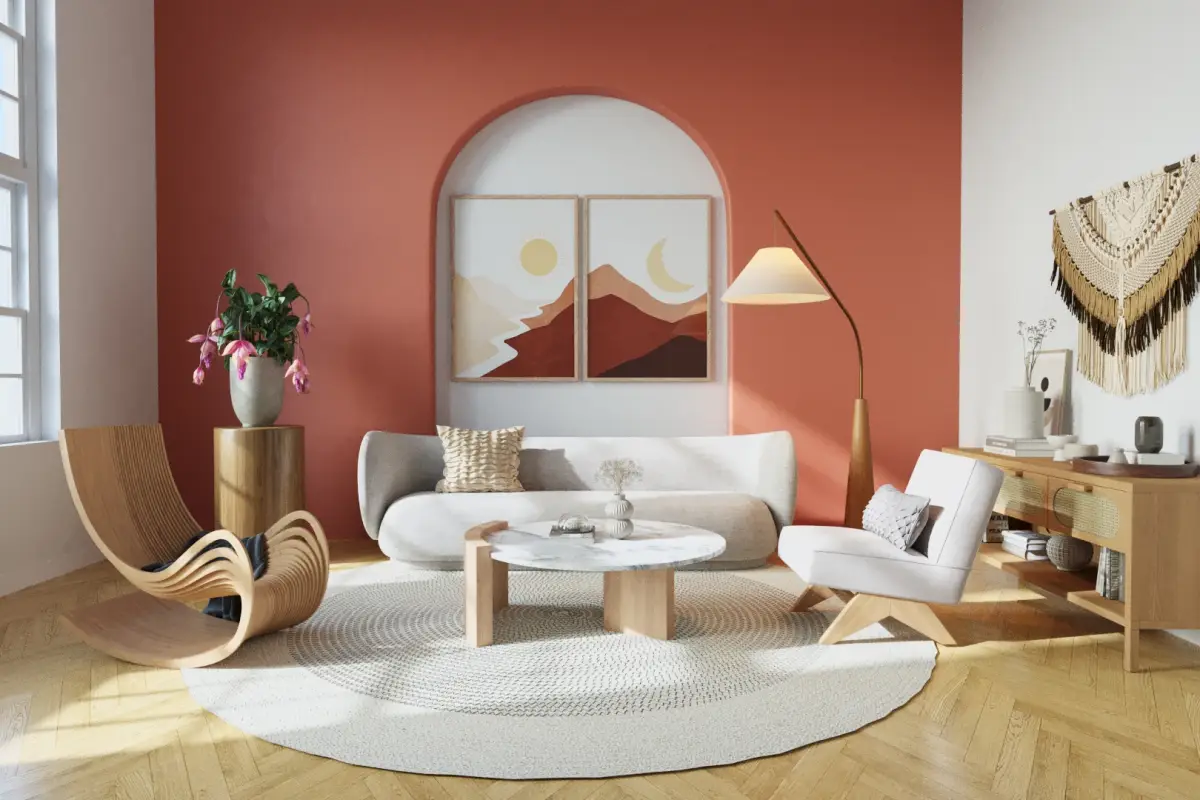
2D Still & Panoramic Interior Rendering
- Textures like wood, tile, and fabric shown with clean styling
- Furniture layout plus doors, windows, and key wall features
- Custom branding available, with 15–30 minute turnaround

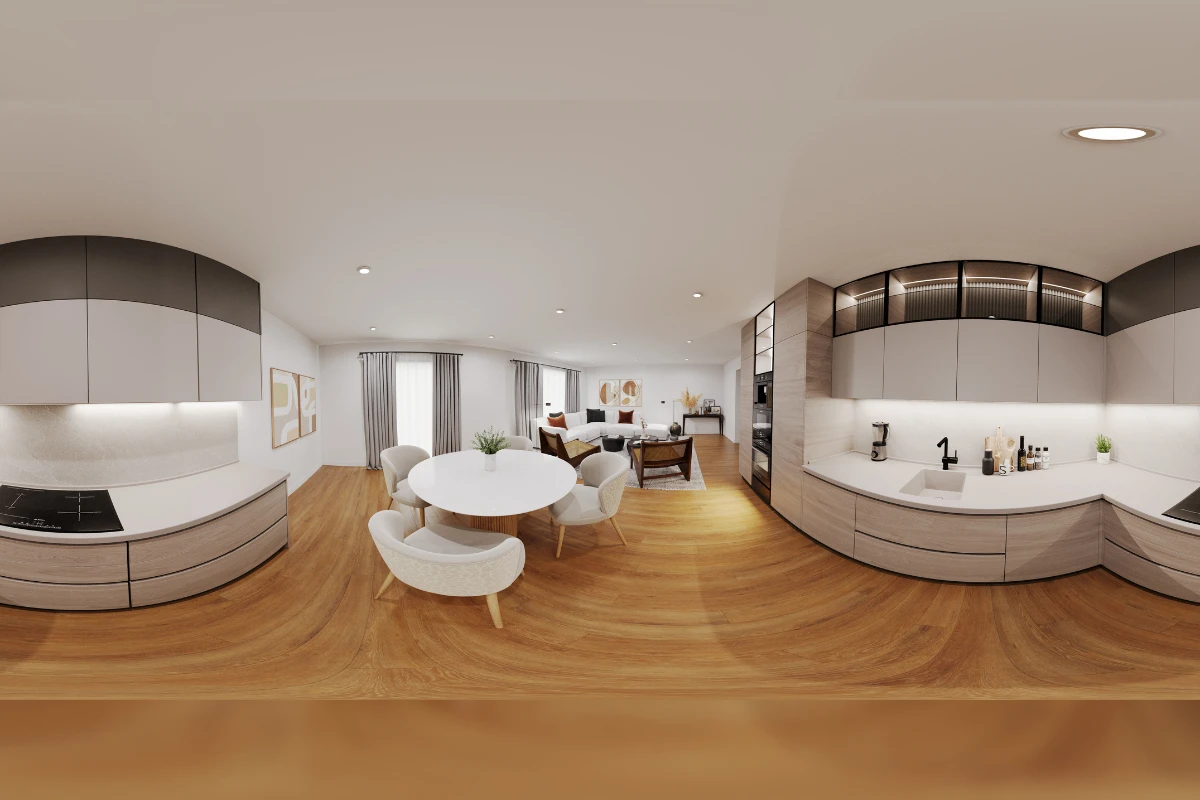
VR Tour
- Look around freely in all directions (360°)
- Move through the space by tapping hotspots and interactive markers linking each viewpoint
- Creates a natural, room-to-room walkthrough experience
Interactive Floor Plan
- Simple menus and room selection
- Minimap overlay shows your location
- Zoom, language, and fullscreen controls
- Click rooms and icons for details
Best Used &Best Used &
Betates S2P Optimized For
Homeowner
Real Estate Agent
Interior Designer
Contractor
Renovator
Installer
Architect
Property Manager

Our PricingOur Pricing
Best Price-To-Quality Floor Plan Services
Experience smarter floor plans with the Betates S2P app. Scan once, upload in a tap, and receive clean, share‑ready plans fast, cutting site time, manual drafting, and overall costs.
Why UsWhy Us
Betates Floor Scanner App Aims For
Smart Detection That Saves Time
Key Measurements For Any Space
Share-Ready & Exports In Just One Tap

How Does Betates S2P Work?
Open the app, start a scan, and walk the property once while S2P captures the layout. When finished, review and label rooms if needed, then upload. Our workflow processes your scan and delivers a finished floor plan you can download and share.
What Do I Receive After I Upload My Scan?
You’ll receive a polished floor plan designed for real-world use in listings, remodels, and site documentation. Plans are clean, easy to read, and ready to send to clients, contractors, or teammates, helping you move from site visit to deliverable faster.
Does The App Auto-Detect Rooms And Features?
Yes. Betates S2P is built to reduce manual work by detecting the space as you scan and helping you produce a consistent plan. This minimizes measuring errors and time-consuming edits, so you can focus on the job instead of drafting details by hand.
What File Formats Can I Export?
Export floor plans in popular, share-friendly formats for fast handoffs and easy archiving. Common outputs include PDF and image formats, and CAD-ready options when needed. If you have a required format for your workflow, we can align the deliverable to it.
What Devices Are Supported?
Betates S2P works on iPhone and iPad, and performs best on supported LiDAR devices for faster capture and improved accuracy. Use good lighting and a steady walkthrough for optimal results, then upload directly from the app to start processing.
How Fast Is The Turnaround?
Turnaround options are designed to match real project timelines, including faster delivery when you’re on a deadline. Scan and upload right after the site visit to start processing immediately, then receive your completed floor plan as soon as it’s ready.
How Does Betates S2P Help Reduce Cost?
S2P cuts costs by shrinking on-site time and eliminating repetitive measuring and drafting. You scan once, upload, and get a professional plan without back-and-forth revisions. That means fewer labor hours, faster delivery, and predictable output for each property.
Get in Touch!
Ready to bring your vision to life? Contact us today to learn more about our 3D Modeling Furniture Service. Fill out the form below, and our team will get back to you promptly.

